First-person view in GTA 6: how to switch it on and the limitations
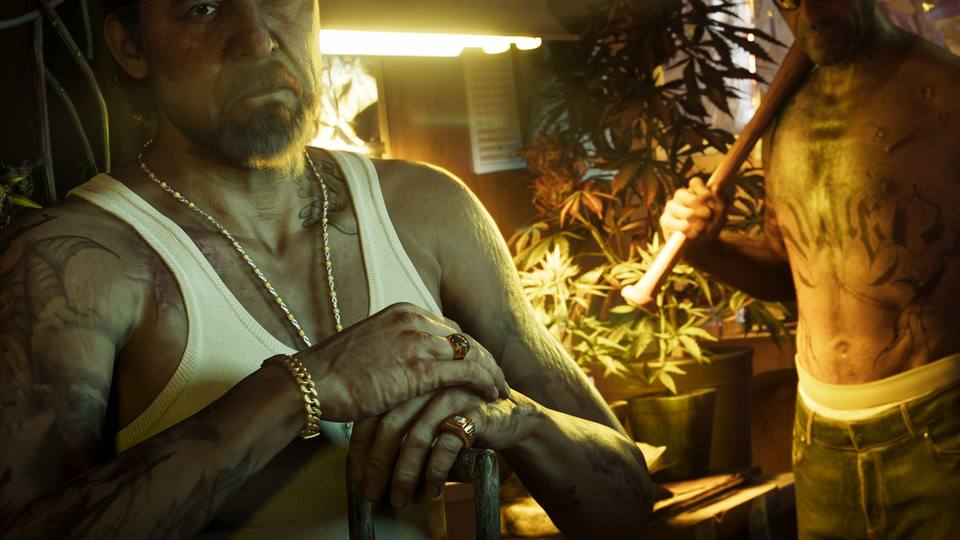
GTA 6 has no full first-person mode, but a few methods let you see the world through the hero's eyes.
How to enable the view
While standing still with no weapon in hand, hold L2 and press the right stick on PS5, or LT and a right-stick click on Xbox. You turn the camera with the right stick, and R2 or RT zooms the view only while held. When you move the character, the camera returns behind the back.
The phone trick in a car
In the controller settings, set the map button to the camera, get into a car, take out the phone, put it away and immediately press the camera button. Get out and check whether the view held. The author tested this on Xbox, and the PS5 version is based on a VGC guide.
Limitations
There is no full FPP mode. The first-person view appears when aiming through the sights of some weapons, in some vehicles and when looking around while standing. Entering a shop or workshop may reset the camera, and the character's silhouette may intrude into the frame.
Context
In GTA 5, full FPP was added more than a year after release. Rockstar has not announced it for GTA 6.
The data comes from guides published in release week. They are not official Rockstar materials, so small details may differ after further game updates.
Frequently asked questions
Does GTA 6 have a full FPP mode?
No.
Does the phone trick always work?
No, it may change after updates.