How to stream GTA 6 from Xbox Series X|S to Twitch
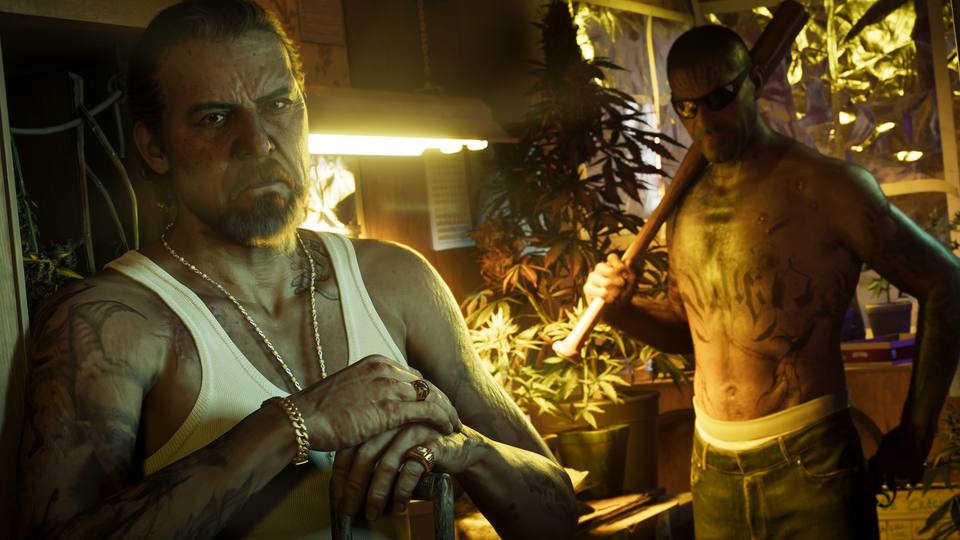
You can only start broadcasting after the game has started.
Steps
Launch GTA VI. Press the Xbox button, go to the capture and share section and choose live broadcast. If the console asks about a service, choose Twitch and link your account by phone, code or QR code, checking the channel name. Plug in headphones, name the broadcast and check the game and microphone volume levels. Start the broadcast and return to the game, because only then will viewers see the gameplay.
Tips
If you open system screens, viewers may see a break screen. When commentary disappears, check the volume of the game, microphone and party chat separately. With a capture card use OBS.
Release-week data, unofficial, written in our own words. It may change after patches and Rockstar announcements.
Frequently asked questions
Where is the stream option?
In the Xbox guide, in the capture and share section.
Which platform?
Twitch is the main one supported.