Xbox Series X: GTA 6 on PC via Remote Play and Lossless Scaling
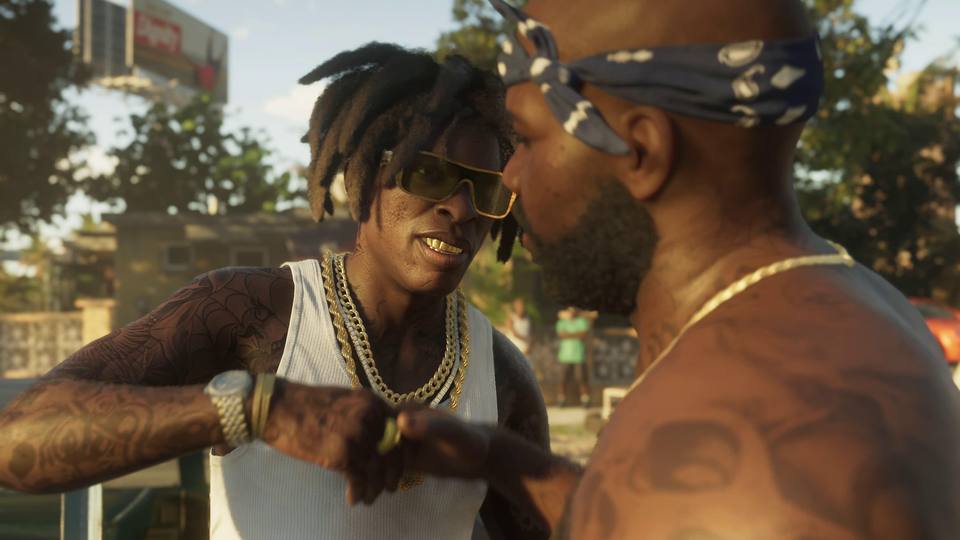
The console streams the game to the PC, and Lossless Scaling turns 30 frames into a 60 fps image.
Preparation
Turn on remote features on the console and set sleep mode so the PC can wake it. In the Xbox app on Windows choose the console and connect a controller, since a mouse and keyboard are not supported.
Lossless Scaling
Set Fixed mode, an x2 multiplier on a 60 Hz monitor, flow scale 100% for a 1080p stream and image scaling turned off.
Limits
Controller response lag still matches 30 fps. The image is compressed and less sharp, and drops below 30 fps or network stutter are still visible. For stability use an Ethernet cable.
Release-week data, unofficial, written in my own words. It may change after patches and Rockstar announcements.
Frequently asked questions
How much does Lossless Scaling cost?
About 27 PLN on Steam.
Which multiplier on 60 Hz?
x2.