GTA 6 at 60 fps on PS5 via PC: NAIMAN and PS Remote Play
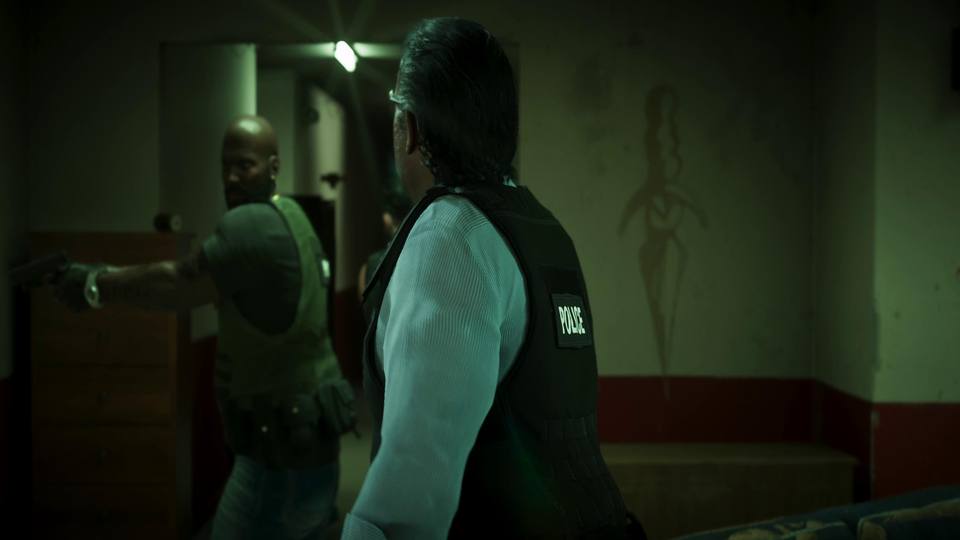
This is frame generation, so the controls still respond as at 30 fps.
Idea
The picture goes from the console to the computer through PS Remote Play or chiaki-ng, and NAIMAN draws a frame between every two real ones (2x mode). Smoothness rises, response time does not.
Steps
Turn on Remote Play in the PS5 settings and leave the console on. On the PC launch NAIMAN, choose the PS5 and connect through Remote Play on the same PSN account, and connect the DualSense by USB cable. Select the stream window and turn on 2x mode.
Requirements
A PS5 or Pro on the same network, Windows 11 x64 with a card supporting Direct3D 11, an SDR monitor (ideally 60 Hz or more), a connection of at least 15 Mb/s according to Sony, preferably a cable. A capture card and an RTX are not needed.
Limitations
Latency rises, because it has to wait for the next frame. Fast cuts may show artifacts. The controller is handled by Remote Play or chiaki-ng, not NAIMAN. NAIMAN version 0.3.1-preview.1 was not tested with a real PS5, the file is not digitally signed (SmartScreen will warn), and HDR in Windows spoils colors.
Data from release week, unofficial. May change after patches and Rockstar announcements.
Frequently asked questions
Does it reduce latency?
No, it increases it.