Motion Blur and HDR in GTA 6: Settings to Make 30 FPS Look Better
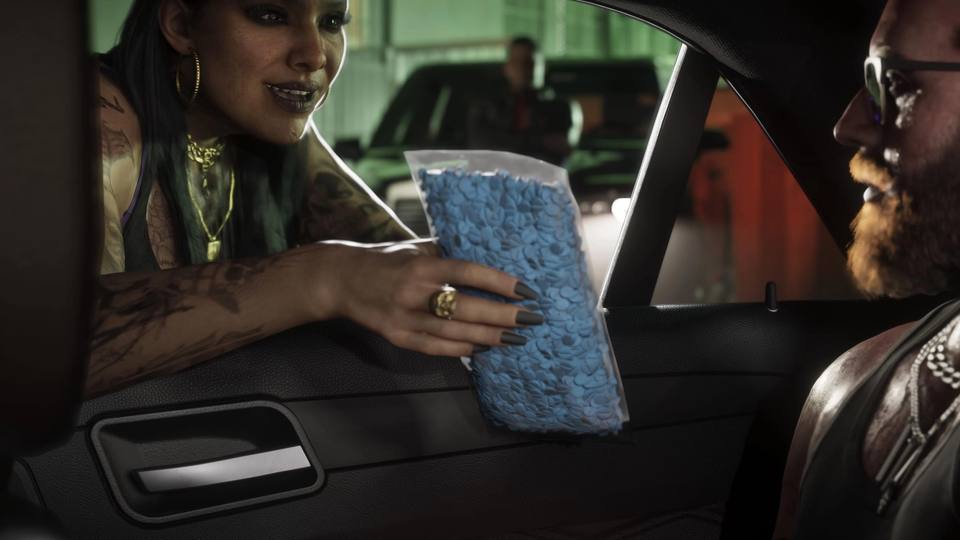
The frame count does not change, but blur fills the gaps between images and smooths camera turns.
Motion blur
In the Polish menu the option is called Zakres rozmycia w ruchu and sits in Settings, in the Display tab, in the Graphics Effects section. By default it is set to 3, and the guide's author recommends about 7. It is sensible to start at 5-6 and test in a car. The price is streaks when looking around quickly, harder aiming and discomfort for some players.
Other smoothing
A lower camera speed in the Camera tab, lower sensitivity in the Controller tab and turning off motion interpolation and game mode on the TV help.
HDR
You calibrate it in Settings, in the Display tab, with three sliders (peak brightness, black levels, paper white) so that the logo on the test image is barely visible. First set up the TV and the console. There are no universal values.
Release-week data, unofficial, written in our own words. It may change after patches and Rockstar announcements.
Frequently asked questions
Does blur add frames?
No, it only smooths the impression.
What value is good to start with?
5-6.